 SmartHub
 Automation
 Appointment Scheduler
 Lead Management
 Dashboard & Reports
 Task Management
 Communications Hub
 Managed chat
 Voice Receptionist
 Appointment scheduling
 Retainer signing
 Home services
 Lawyers and firms
 Medical services
 College admissions
 Real estate agents
 Marketing agencies
 About
About Partner program
 Estimate Your ROI
 Case Studies
 Blog
Blog FAQs
FAQs Login
LoginStill Doing It Manually? Try Tools to Automate Sales Workflow




Products
Industries
Company
Resources

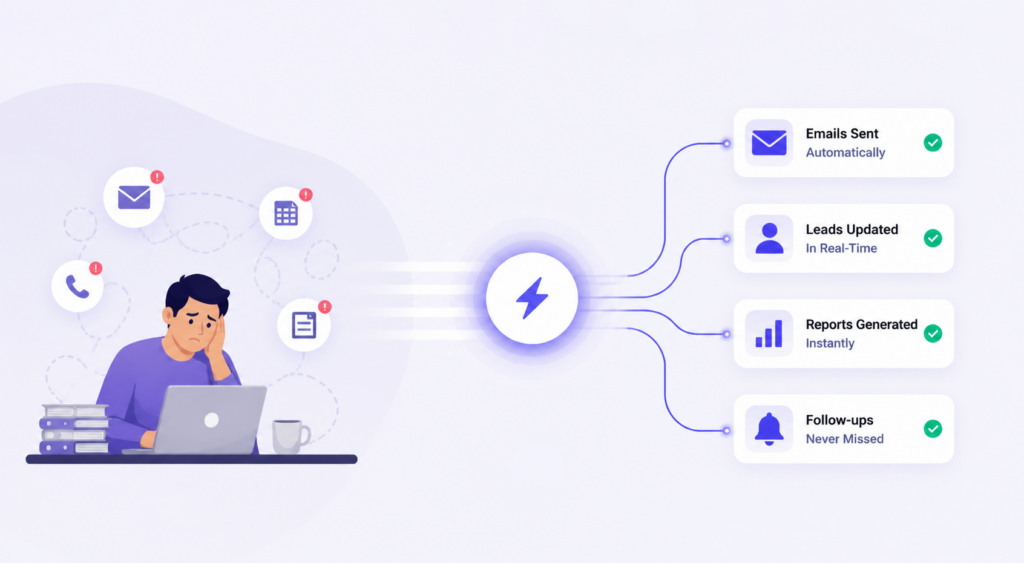
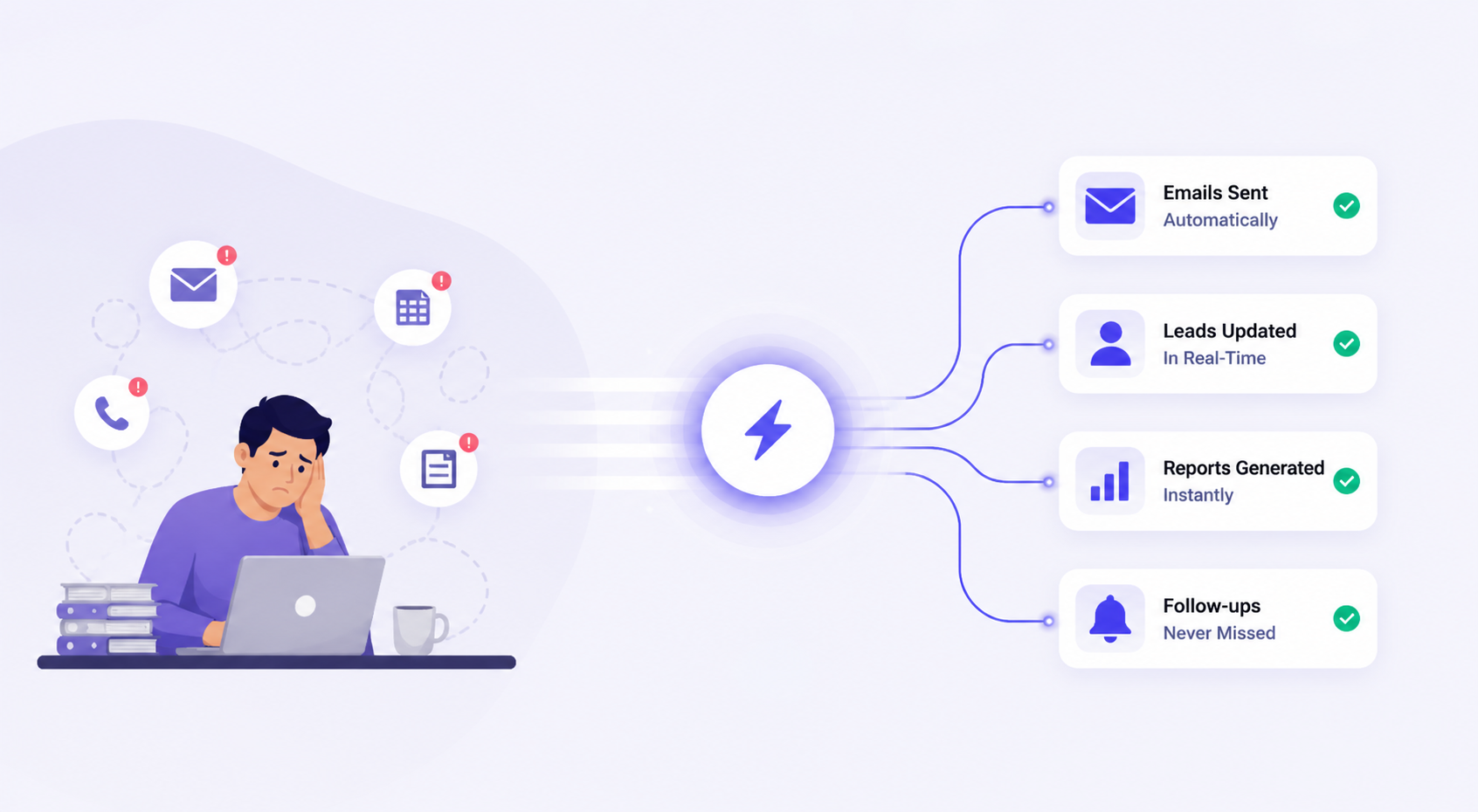
Your sales reps aren't losing deals because they lack skill. They're losing them because 66% of their day disappears into admin work before they ever talk to a prospect. Data entry, missed follow-ups, pipeline updates that nobody logged, it all adds up faster than most managers realize. The right tools to automate sales workflow fix this without adding headcount or overhauling everything at once.
The answer isn't hiring more people. It's removing the manual layer that's slowing your existing team down. This guide covers the top platforms worth considering, how to pick the right fit for your team size, and how to roll out automation without throwing your reps off their rhythm.
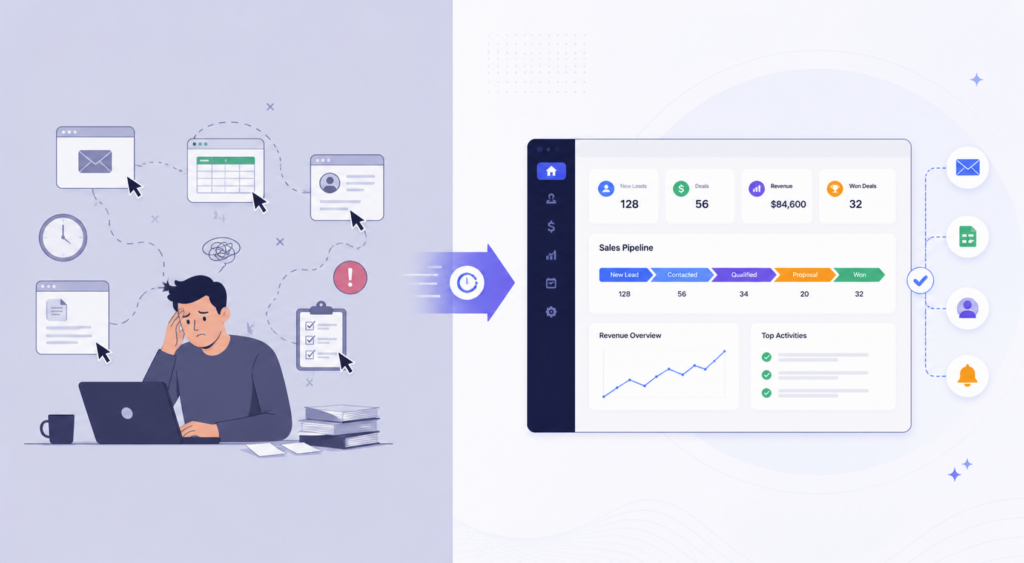
Here's something most sales leaders don't want to sit with. Their reps aren't underperforming; their day is just structured wrong. Research shows sales reps spend less than 28% of their week actually selling. Everything else is admin. And it's not one big thing eating up the time. It's dozens of small ones that nobody notices until you add them up.
Copy-pasting contact details into a CRM. Moving a deal stage manually. Writing a follow-up that should have gone out two days ago. None of these feels like a crisis in the moment. But across a team of ten reps over a month, the hours lost are staggering. When you automate sales tasks, you're not replacing judgment. You're replacing the stuff that didn't need judgment in the first place.
Speed is where the real money goes. A lead who fills out a form and hears back within five minutes is nine times more likely to convert than one who waits an hour. Most manual processes can't hit that window. By the time someone notices the lead, assigns it, and writes the first message, the prospect has already moved on.
Good sales workflow software makes those gaps visible before they cost you revenue. Manual processes hide their own failures. A rep who forgot three follow-ups this week doesn't know they forgot. There's no flag. The deal just quietly goes cold. That visibility alone is worth the switch for most teams.
Sales workflow automation means using software to handle repetitive sales actions on its own, no rep needed for each step. It's not complicated in theory. It's just logic that your tools follow, so your team doesn't have to remember everything manually.
Picture a simple rule. A prospect fills out your contact form. That's the trigger. The system checks whether they match your target profile, company size, industry, and location. That's the condition. If they do, a follow-up sequence starts, the lead gets a score, and it lands in the right rep's queue within seconds. The whole thing happens without anyone clicking anything.
Rules-based automation works exactly like that, with fixed conditions, fixed outcomes. It's reliable and easy to set up. AI-driven automation goes a layer deeper. It watches behavioral signals what pages someone visited, how long they spent on your pricing page, whether they've opened your last three emails, and adjusts scoring and timing based on patterns it builds over time. That's where tools to automate sales workflow start doing things a rep genuinely couldn't do manually, even if they had the time.
The honest answer is that most B2B sales teams benefit. But some feel it faster than others:
One thing worth saying clearly, automation isn't a replacement for a CRM. Your CRM holds the data. Automation is what acts on it. A CRM without automation is just a very expensive spreadsheet that your reps have to update manually every day. The two work together, not in place of each other.
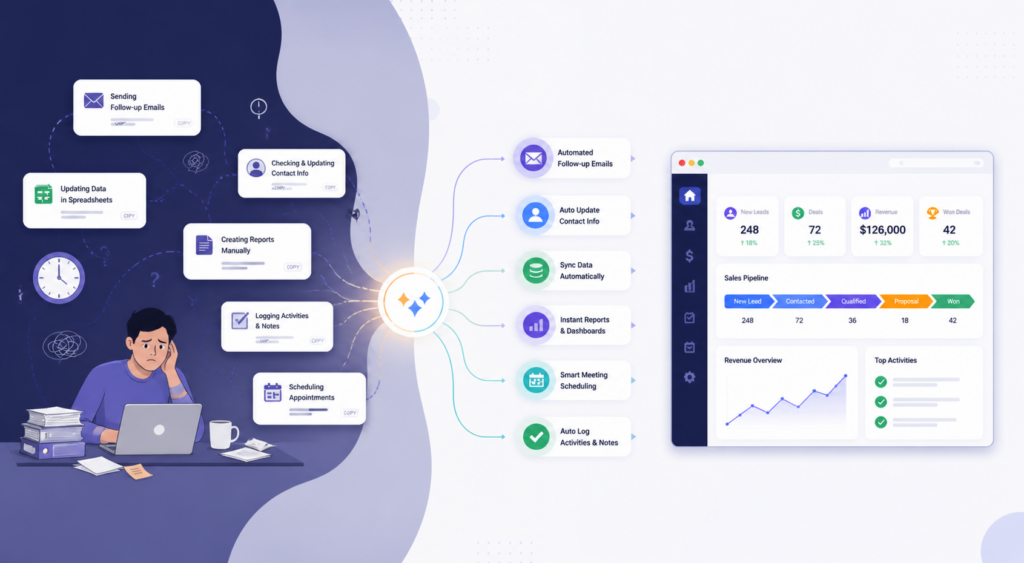
Most teams know they should be automating more. The problem is they don't know where to start. These three areas consistently produce the biggest returns and the fastest time-to-value when you get them off manual.
Every lead that comes in through a form, ad, or landing page and gets manually reviewed is a lead sitting at risk. AI sales automation tools cut that chain entirely. The lead gets captured the moment the form is submitted, scored automatically based on fit and intent signals, and routed to the right rep, no handoffs, no delays, no leads falling through because someone forgot to check the inbox.
What makes AI scoring genuinely useful is that it looks at behavior, not just demographics. A VP of Sales who visited your pricing page three times and downloaded your case study is a very different lead from someone with the same title who clicked one ad and bounced. Manual processes treat them the same. Automated scoring doesn't. That's where pipeline quality actually improves.
Most deals don't die because the prospect wasn't interested. They die because the follow-up was late, inconsistent, or never happened at all. That's a process problem, not a people problem. When you automate sales tasks, sequences fire based on what the prospect actually does, not based on whether your rep had a free moment to remember.
Someone books a demo a pre-demo reminder goes out automatically. The demo happens, but they don't respond. A follow-up sequence kicks in at day two, day five, and day ten. They click a link in your email that signals intent and triggers a more direct outreach. None of this requires a rep to manually track every prospect's behavior across a pipeline of 80 open deals.
Multi-touch cadences across email, LinkedIn, and phone keep your brand present through a long sales cycle without burning rep time on scheduling reminders. The rep shows up for conversations. The automation handles everything in between.
Ask any sales rep what they hate most about their job, and CRM data entry is almost always in the top three. It's not that they don't understand why it matters. It's that logging every call, every email, every meeting outcome manually feels like admin for the sake of admin, especially when they're busy.
Good sales workflow software removes the ask entirely. Calls get logged automatically. Emails sync to the deal record the moment they're sent. Meeting outcomes update the pipeline stage without the rep touching anything. The data stays current because the system keeps it current, not because someone remembered to do it after a long day of calls.
This matters beyond convenience. Clean, real-time CRM data means your pipeline reports are actually accurate. Forecasting improves. Managers can see what's really happening without chasing reps for updates. And reps stop getting pulled into admin reviews because the record already reflects what happened.
There are a lot of tools in this space. Some are genuinely useful. Some are feature-heavy and adoption-light. Here's an honest breakdown by team size so you're not paying for things you'll never use.
Mid-market teams need AI scoring, multi-channel outreach, deep CRM sync, and reporting that ties activity to pipeline movement. These are the tools to automate sales processes worth evaluating at that level.
We, as Blazeo, are a strong choice for teams that want an AI-powered lead connection without spending weeks implementing separate tools. It handles lead capture, qualification, and follow-up in one connected flow with less setup time and fewer gaps where leads get lost. Apollo brings a large verified contact database with solid built-in sequencing for outbound-heavy teams. Outreach and Salesloft are well-established sales automation platform choices for teams that need structured rep coaching alongside automation. HubSpot Sales Hub works well when you want CRM and automation under one roof without heavy IT involvement.
Pricing at this tier runs roughly $80 to $150 per user per month. Don't buy based on the feature list alone. Ask whether it connects cleanly to your existing CRM, whether reps will actually adopt it within two weeks, and whether the reporting shows pipeline impact or just activity counts.
Smaller teams don't need to spend $100 per user per month to get meaningful automation. Pipedrive has reliable workflow automation with an interface that most reps figure out fast, no training sessions required. Zoho CRM covers broad functionality at a price point that won't raise eyebrows in a budget review. Close is built specifically for inside sales teams running high-velocity outbound. Instantly works well for teams focused heavily on cold email volume.
All of these are solid sales workflow software options with no-code setup and fast time-to-value. Most offer a free trial. Get one workflow running before committing; you'll know within three to four weeks whether the tool fits how your team actually works.
That said, these tools to automate sales workflow have real limits. Once your team grows past 15 to 20 reps or your sequences need complex branching logic, you'll start running into walls. That's an honest signal about when it makes sense to move to a full platform.
The reason most automation rollouts fail isn't the tool. It's the timing and the approach. Dropping a new platform on a sales team mid-quarter with a two-hour training session is a reliable way to get ignored. Here's how to do it differently.
Before signing up for anything, write out what actually happens when a new lead comes in today. Where does it enter the system? Who decides what happens next? What triggers a follow-up? How does the CRM get updated and when?
Pick the workflow your reps complain about most. That's where you start. Blazeo makes this kind of phased start practical; teams can get a single lead-to-follow-up workflow live within a day or two, show the team a quick win, and then decide what to automate next. Involve reps before you buy anything. If automation feels like surveillance, they'll work around it every time.
Automation should handle volume. It should not handle judgment. There's a clear line between the two, and crossing it is where teams get into trouble.
Negotiating contract terms, handling a prospect who's gone cold after a strong first call, and re-engaging a churned customer, none of these should be automated. The best tools to automate sales processes are designed with that line in mind. They surface the right moment for a rep to step in rather than automating past it.
AI sales automation tools are genuinely good at recognizing when a sequence isn't working and flagging it for human review. A rep who gets a notification that a prospect opened five emails but never replied is in a much better position than one who had no idea that the prospect was even engaging. That's automation serving the human, not replacing them.
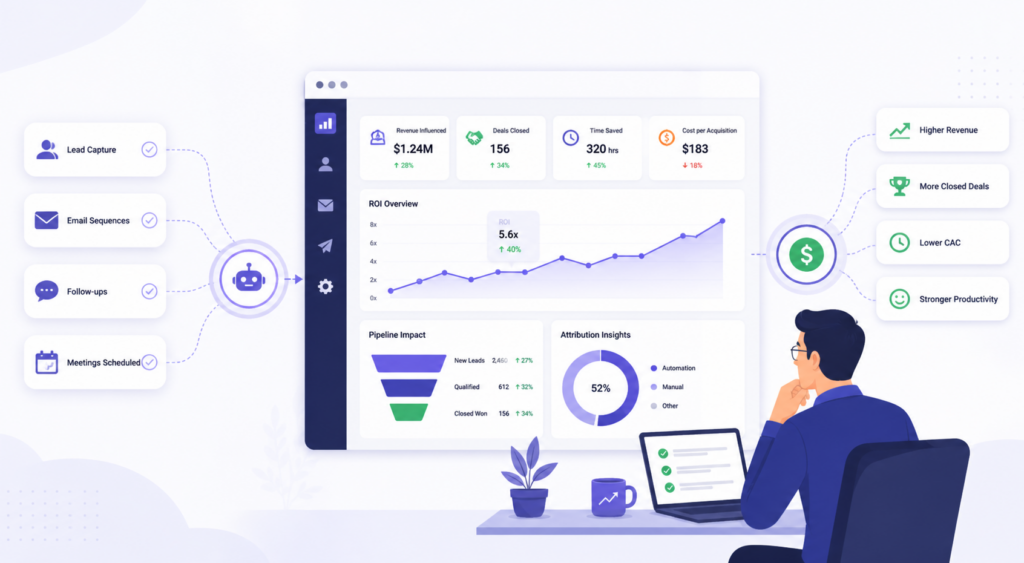
A lot of teams make the mistake of measuring automation by activity. Emails sent. Tasks completed. Sequences running. Those numbers feel good, but they don't tell you if revenue is actually improving. Here's what to track instead.
The metrics that matter connect directly to pipeline movement, not to how busy the system looks. For any sales automation platform, these are the numbers worth watching:
Give it 90 days before drawing hard conclusions. Activity metrics improve, first response times drop, and follow-up rates climb. Revenue metrics, conversion rates, and average deal size usually follow four to six weeks later. Pulling the plug at day 30 because conversion hasn't moved yet is one of the most common mistakes teams make.
Green flags: deals moving faster, reps spending more time on calls, CRM data clean without anyone nagging, follow-up rates near 100%. When tools to automate sales workflow are doing their job, reps notice before the reports do. They stop drowning in admin and start having more actual sales conversations.
Red flags: reps building manual workarounds, open rates dropping, pipeline looking active but conversion flat. It’s often not the software, it’s the setup. Take a closer look at your triggers, fine-tune personalization, and rethink the order of your workflows.
Map your current manual steps first, then pick one workflow to automate. Set triggers and actions, test with a small group, then scale. Sales workflow automation works best when it starts narrow and expands gradually based on what's actually working.
It's software that handles repetitive sales actions automatically, including lead capture, follow-ups, CRM updates, and routing. It manages the mechanical layer so reps can focus on conversations that need real judgment and relationship-building skills.
A CRM stores your contacts, deals, and history. Automation is what acts on that data. Without automation, a CRM is just a database your reps have to update manually every single day, without any action happening on its own.
Apollo is well-rated for outbound prospecting. Outreach is strong for structured multi-channel cadences. Blazeo gets consistent marks for teams that need lead engagement and follow-up handled in one connected place. All three are solid AI sales automation tools, depending on your team's focus.
Salesforce with Sales Engagement, Outreach, and Salesloft are the main enterprise options. What makes them enterprise-grade is custom workflow logic, advanced reporting, and the ability to handle thousands of deals across large distributed teams. Each sales automation platform has different strengths at that scale.
Start with one workflow, involve reps in the decision early, and show a quick win before expanding. The rollout section above covers the full approach; the order of steps matters more than the specific tool you pick first.
Track lead response time, follow-up rate, and pipeline velocity over 90 days. Connect those numbers to conversion rates and revenue, not just activity volume. The best tools to automate sales processes make this data easy to pull without building custom reports from scratch.
A three-part stack covers most teams well. A CRM like HubSpot or Pipedrive for deal management. A sequencer like Apollo or Outreach for outreach cadences. Intent data from a tool like Bombora to prioritize who to contact first. Together, these tools to automate sales workflow cover the full funnel without overlap or gaps.
When automation is running properly, your reps stop chasing tasks and start closing deals. Follow-ups go out on time without anyone setting a reminder. Pipeline data stays accurate without manual logging after every call. Leads get a response in minutes, not the next morning. Fewer deals slip through gaps that never needed to exist in the first place.
That's what the right tools to automate sales workflow actually deliver, not just saving time, but also moving the pipeline in the right direction. Pick one workflow your team finds most frustrating, get it automated this week, and measure what shifts over 90 days. That's how sales workflow automation stops being a talking point and starts showing up in your numbers.

