 SmartHub
 Automation
 Appointment Scheduler
 Lead Management
 Dashboard & Reports
 Task Management
 Communications Hub
 Managed chat
 Voice Receptionist
 Appointment scheduling
 Retainer signing
 Home services
 Lawyers and firms
 Medical services
 College admissions
 Real estate agents
 Marketing agencies
 About
About Partner program
 Estimate Your ROI
 Case Studies
 Blog
Blog FAQs
FAQs Login
LoginMedical Scheduling Software: The Future of Smarter Patient Care




Products
Industries
Company
Resources

You know what nobody tells you when you open a clinic? That half your day disappears into a phone. Rescheduling. Reminding. Apologizing to patients who showed up at the wrong time because someone typed the wrong date. It's genuinely maddening, and the worst part is that most of it is completely preventable. Medical scheduling software is what practices turn to when they finally get tired of losing money to problems a decent system would have caught automatically.
This blog covers what that actually looks like in a real clinic, what changes, what doesn't, and what to watch for before committing to anything. No grand promises. Just what's worth knowing before you make a decision that affects your whole team.
Phone-based booking had its moment. That moment is gone. Patients today won't sit on hold for three minutes to book a routine checkup when they can find another clinic online in thirty seconds. They just leave. Quietly. Without telling you why.
Bad patient appointment management compounds quickly. One missed reminder becomes one no-show. Five no-shows a week becomes a budget conversation nobody wanted. Most clinics don't connect those dots until the damage is already sitting in front of them.
Run this math once, and you won't forget it. A single no-show loses between $150 and $300, depending on your specialty. Five per week across a full month. That number isn't small, and it's happening right now in practices that haven't fixed their patient appointment management yet.
What makes it worse is the stuff that doesn't show in a spreadsheet. The patient who got double-booked and never came back. Those losses are real. Just invisible until someone does an honest retention audit.
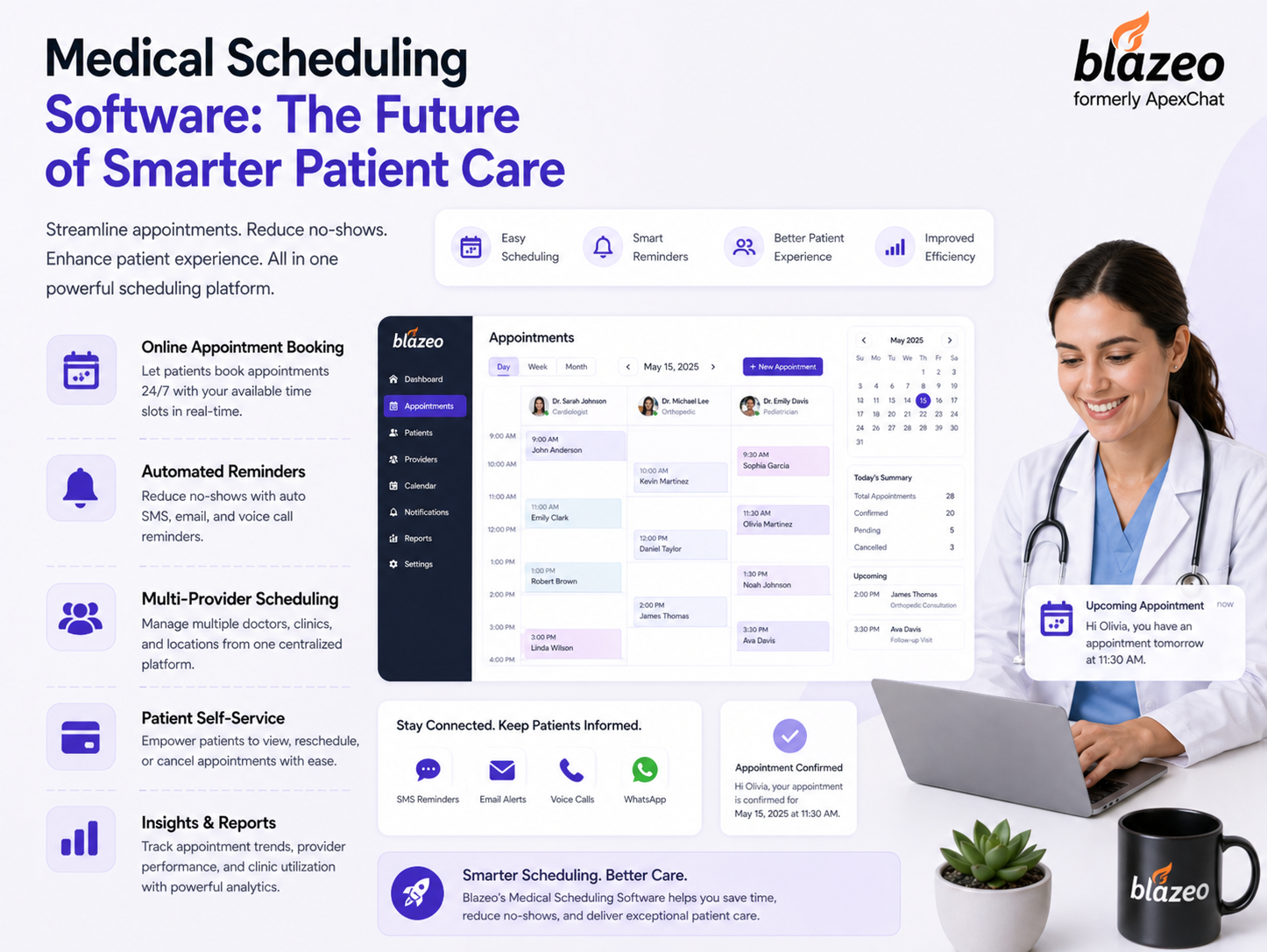
Here's what medical scheduling software actually looks like in practice. Patients booked their own appointments the night before. Reminders went out automatically. The front desk came in, and the calendar was already set, confirmed, and synced with billing. Nobody chased anyone before 9 am. That's genuinely what a well-configured system feels like after the first few weeks. Quietly functional in a way that manual booking never quite manages.
The medical scheduling software benefits everyone expects are obvious. Fewer no-shows. Less phone time. Those happen. But what practices are mentioned most after a few months isn't efficiency metrics. It's that the mornings have changed. Staff stopped starting every day already behind, already stressed, already apologizing to someone.
Small practices hear "scheduling software" and picture an enterprise price tag. That assumption is outdated. The medical scheduling software benefits a solo or two-provider clinic gets today are genuinely comparable to what large groups paid significantly more for just a few years back. Setup is faster than expected, too. Most small practices are fully running within two or three days, not after a drawn-out implementation nobody had time for.
From the patient side, online scheduling automation for healthcare means booking at 11 pm without calling anyone. Pick a time, get a confirmation, receive a reminder, and show up prepared. From the staff side, it means walking in without immediately fielding calls from people trying to reschedule things that a system handled overnight.
Online scheduling automation for healthcare doesn't just save time. It changes what kind of work your staff does all day. Instead of functioning as a human answering machine, they're present with patients in the building. That's a different job. A better one. Waitlists manage themselves. Reminders land without anyone remembering to send them. Hours return to your team every week without adding anyone new to payroll.
Workflow automation in healthcare is the deeper layer connecting everything. Patient books, record updates. Patient cancels, billing finds out. None of that requires staff to carry information manually between systems. Most clinics are still doing that by hand. The ones that aren't have a noticeably different energy because nobody's discovering something that wasn't updated until it causes a problem mid-appointment.
Patients can't describe workflow automation in healthcare, but they feel it. Check-in takes two minutes. Their provider has records ready. The visit starts on time. None of that happens by accident. And here's what patients do when a clinic runs that way. They recommend it. Not because of the waiting room but because the experience felt respectful of their time, which is genuinely rarer than it should be.
Nobody needs the most feature-rich platform available. They need the best medical scheduling software for how their specific clinic runs. Ask the real questions before committing. Does it connect with your EHR without a custom integration project? Can your front desk learn it in a day? What happens when something breaks at 8 am with a full schedule ahead?
A solo practitioner and a ten-provider group aren't shopping for the same thing. The best medical scheduling software for a one-doctor practice needs to be lightweight and fast to set up. Larger groups need multi-location calendars and reporting depth that actually tells them something useful.
At Blazeo, we've worked with practices at both ends and helped them find what genuinely fits their workflow rather than what looks impressive in a demo. Those are very different conversations.
Good patient care software keeps going after the booking is confirmed. The follow-up message three days later. The six-month reminder. The survey that tells you whether the visit actually landed well. Practices using these features consistently don't just have higher satisfaction scores. They have patients who refer others, which is growth that doesn't need an ad budget.
Patients don't remember your waiting room layout. They remember whether your clinic felt like it knew who they were. Patient care software makes that possible at scale without burning out staff tracking follow-ups manually across hundreds of active patients.
When we at Blazeo work with clinic managers who've made this shift, the feedback isn't about efficiency. It's about patients calling to say they felt looked after. That's the outcome that actually builds a practice long-term.
It sends reminders automatically, fills cancelled slots from a waitlist, and syncs with billing and records in real time. A calendar holds dates. This manages everything happening around them without staff chasing it.
No-show rates typically drop within the first few weeks. Staff workload shifts become obvious within a month once automated reminders and self-booking replace routine phone traffic nobody enjoyed handling anyway.
Completely. Every recovered no-show and saved hour of phone time hits proportionally harder for smaller practices, where the margin for inefficiency is genuinely smaller to begin with.
Every booking triggers billing updates, record syncing, and internal notifications without manual handoffs. That cuts the daily information passing between departments, which eats more staff time than most managers realize.
Reliable support during clinic hours, clean EHR integration, and a patient interface people actually use. Cheap tools that confuse staff cost more in lost efficiency than a better option would have from day one.
Yes. Most platforms manage both from one calendar with the same reminders and follow-ups, regardless of whether the visit happens in your building or on a video call.
Every no-show is a billable slot that earned nothing. Strong patient appointment management with automated reminders and waitlist tools recovers thousands monthly that most clinics lose without actively tracking it.
Most platforms are built for clinic staff, not IT departments. With decent onboarding support, most teams are comfortable within the first week and wonder why they waited so long.
Medical scheduling software stopped being optional the moment patients started choosing providers based on how easy it was to book. Clinics still running manually are losing patients to completely fixable problems, and losing them quietly, which is the worst kind. Everything here works together to create a practice day that runs the way it actually should. You already know what the right system does.
The only question is whether your current setup is still keeping up. Ready to stop losing appointments to problems your software should already be handling? The right medical scheduling software is closer than most clinic owners think, and the difference shows up faster than expected.
