 SmartHub
 Automation
 Appointment Scheduler
 Lead Management
 Dashboard & Reports
 Task Management
 Communications Hub
 Managed chat
 Voice Receptionist
 Appointment scheduling
 Retainer signing
 Home services
 Lawyers and firms
 Medical services
 College admissions
 Real estate agents
 Marketing agencies
 About
About Partner program
 Estimate Your ROI
 Case Studies
 Blog
Blog FAQs
FAQs Login
LoginField Service Scheduling Software for Growing Home Teams




Products
Industries
Company
Resources

Manual dispatch takes up more time than most home service owners think. Studies show that letting software handle scheduling can cut manual dispatcher work by about 41%, freeing that person up to solve bigger problems instead of typing names into boxes all day. As a team adds more workers and more jobs, mistakes creep in fast. Two workers get sent to the same house.
Some jobs get forgotten entirely. One tired dispatcher tries to juggle everything by hand, and eventually something falls through. This is why field service scheduling software matters so much for growing teams. It is not a meeting planner, and it is not built for construction crews mapping out weeks of build work. It answers one simple question all day long: who goes to which house right now, and how do they get there on time?
Manual dispatch works just fine when a team is small. Once a team grows past about ten workers, one person can no longer track every schedule change by hand without something slipping through.
These problems rarely show up all at once. They build slowly, day after day, until customers start noticing before the office even does. By the time someone complains about a missed appointment, the pattern has usually been building for weeks.
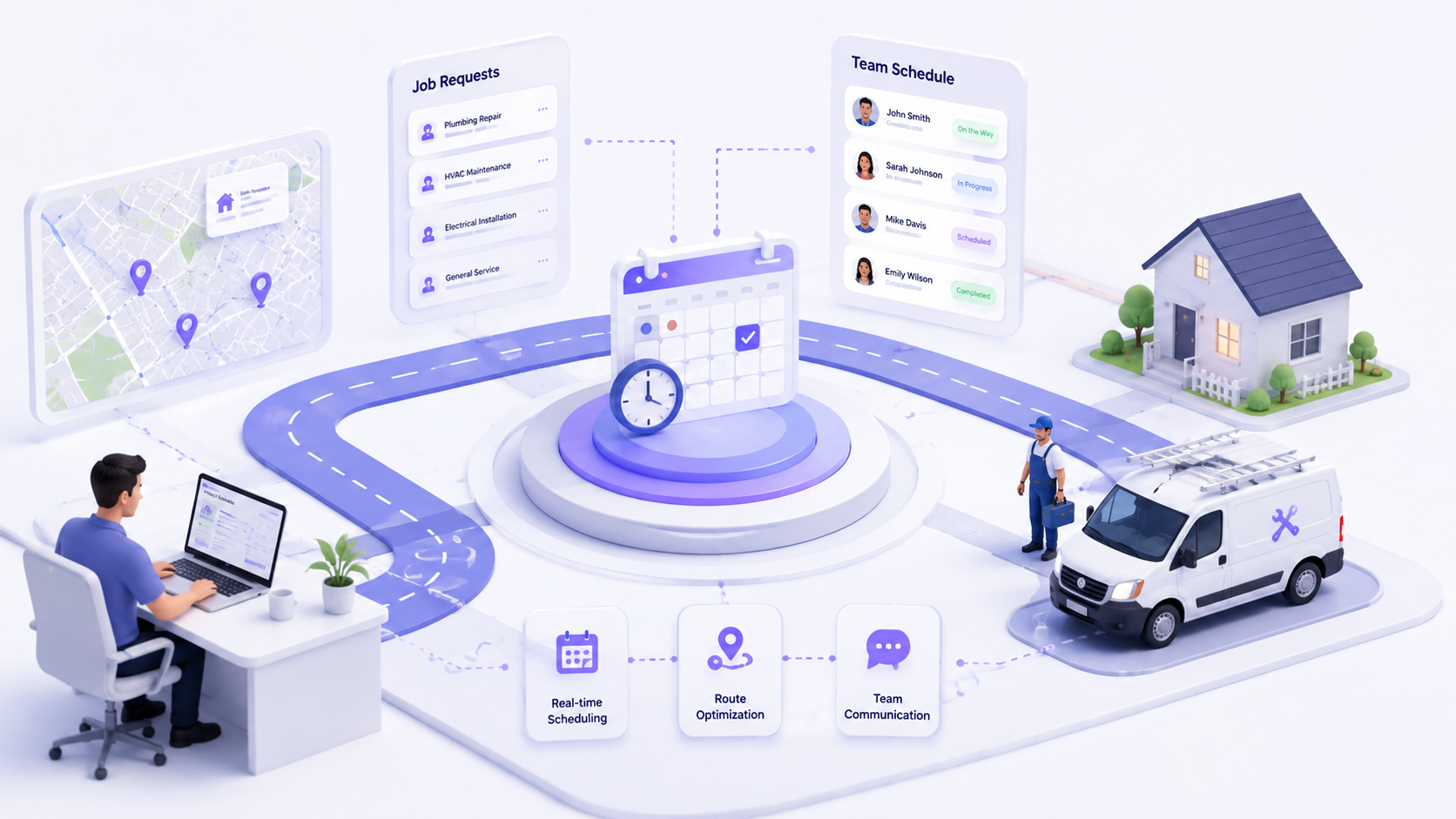
Teams that switch to home services scheduling software see three big changes right away. Jobs get assigned faster, workers fix things right the first time more often, and customers stay informed the whole time instead of guessing.
Matching a worker to a job by hand takes real time and focus. A dispatcher has to check where each worker is, what they know how to fix, and whether they have room in their day. Home service scheduling software does all of this in seconds instead of minutes, which gives the dispatcher time back to handle the tricky calls that actually need a human decision.
Sending the right worker on the first try matters more than most owners realize. Skill-based matching means a plumber gets sent to plumbing jobs and an electrician gets sent to wiring jobs, instead of whoever happened to be free at the time. This cuts down on repeat visits and keeps customers from calling back annoyed about the same problem twice.
Automatic text updates tell customers exactly when a worker is on the way, without anyone in the office having to pick up a phone. This replaces the old habit of calling every single customer by hand throughout the day. It saves the dispatcher time and keeps customers from sitting around wondering if anyone is coming at all.
Growing service businesses working with Blazeo have seen real drops in double-bookings after moving away from manual scheduling boards, though every team's numbers will look a little different depending on size and job type.
AI for home services helps most in a handful of specific spots, not everywhere at once. It works best in places where the math gets too complicated for one person to solve by hand every single morning.
Even a small team of five workers handling six jobs each creates millions of possible ways to arrange a single day's schedule. That is far too much for one person to sort out in their head every morning before coffee. This is different from AI for Contractors, which usually focuses on planning weeks of build-out work rather than same-day home visits. AI only earns its place here when it solves a problem like this one, not when it is just a chat box glued on top of an old system that still runs the same way underneath.
The difference between manual and software-assisted dispatch grows bigger once a team passes a handful of workers and jobs each day, and it keeps growing from there.
| Factor | Manual Dispatch | Software-Assisted Dispatch |
| Double-booking risk | High | Low |
| Dispatcher hours per week | High | Lower |
| Customer update method | Phone calls | Automatic text updates |
| First-time fix rate | Lower | Higher |
| Works past 10 to 15 workers | Breaks down | Still works |
Not every scheduling tool fits a growing home service team well, and picking the wrong one can cost just as much time as staying manual. These four things decide if a switch is actually worth making.
Paying per seat gets expensive fast as you hire more people to keep up with demand. Look for pricing tied to job count or a flat team rate instead of one that climbs with every new hire. A good tool should never punish a business for growing.
A worker standing in someone's basement with no signal still needs their job details right in front of them. The app needs to work offline and load fast, without spinning forever waiting for a connection. A fancy desktop dashboard means nothing if nobody in the truck ever opens it during the workday.
If the new software does not talk to your CRM or invoicing tool, someone ends up typing the same job into two different places. That wastes time and leads to small mistakes that pile up over a month. We have seen this kind of disconnect cause more support tickets than any actual scheduling bug ever does.
Field workers will not stick with a tool that takes a week to figure out. Look for onboarding that gets a brand new worker from download to their first completed job update in under a day. A tool nobody wants to open does not help anyone, no matter how many features it claims to have.
At what team size does field service scheduling software become worth it?
Most home service teams feel the strain around ten workers, when one dispatcher can no longer track every schedule change by hand without mistakes slipping through.
How is field service scheduling software different from home service scheduling software?
These terms overlap a lot in everyday use, but home service tools usually focus on same-day dispatch to a house, while broader field service tools can also cover longer project work over weeks.
Can field service scheduling software work for HVAC and plumbing teams specifically?
Yes. HVAC appointment scheduling software and plumbing dispatch both deal with short, frequent jobs spread across many houses in one day, which is exactly the pattern this software handles best.
Does AI actually improve field service scheduling, or is it a gimmick?
It helps when it solves a problem, like planning smarter routes or filling last-minute openings automatically. It becomes a gimmick when it is just a chat window stuck onto an old system underneath.
What should a growing team prioritize first when evaluating scheduling software?
Start with pricing that grows fairly alongside your team size, plus a mobile app your workers will actually want to use out in the field every single day.
Does field service scheduling software replace a dispatcher, or support one?
It supports one. The software handles the repetitive matching work automatically, while the dispatcher still makes the calls on emergencies and tricky customer situations that software simply cannot solve alone.
How much does field service scheduling software typically cost for a small team?
Costs vary quite a bit by provider, ranging from flat monthly team rates to per-worker fees that add up fast. It helps to compare a few options against your current worker count first.
Can scheduling software integrate with an existing answering service or call center setup?
Many platforms do support this kind of integration, which lets after-hours calls flow straight into the schedule instead of waiting around for a callback the next morning
Manual dispatch works fine until it suddenly does not, and that day tends to arrive faster than most owners expect. Once double-bookings and missed jobs start piling up week after week, field service scheduling software stops being a nice extra and becomes the actual fix. It speeds up dispatch, boosts first-time fix rates, and keeps customers informed from the first call to the final invoice. For the side of scheduling that plans weeks of construction work instead of same-day home visits, check out our construction scheduling software guide.